Skip to content

Review every visual change before it merges

CirCI is visual regression testing you run yourself. CI uploads screenshots, CirCI compares them with the baseline, and your team approves or rejects what changed.
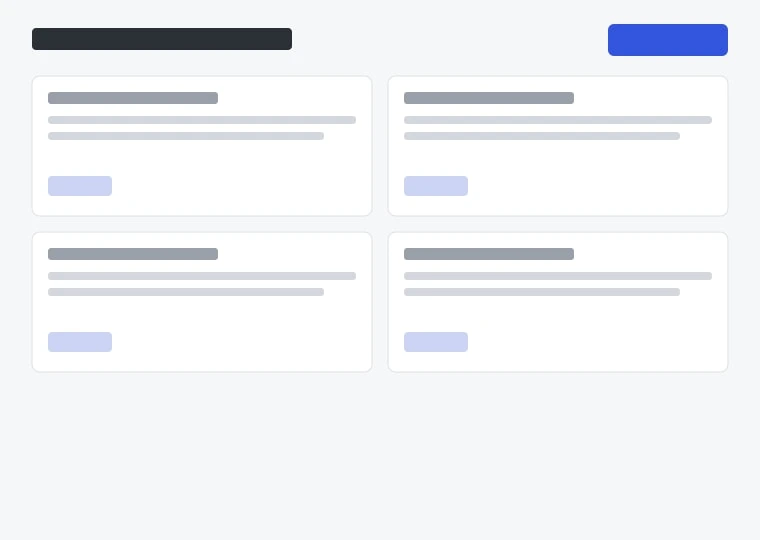
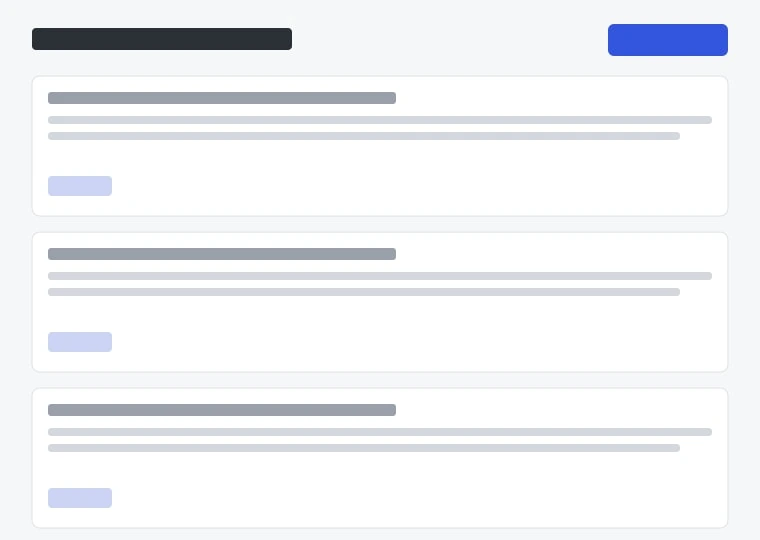
Needs reviewsettings/profile4.9% of pixels changed
This build: the cards under the heading in two columns.Baseline: the cards under the heading in a single column of three.
BaselineThis build

Where do you want to start?

Run it locally

Start the app and Postgres with Docker Compose, create a project and upload a first build.

docker compose up -d --build

Self-host

Requirements, TLS, storage, upgrades, backups and every environment variable.

One image: server, worker and dashboard.

Set up CI

Upload from any CI with the circi CLI or the Vitest plugin. Shallow checkouts work.

npx circi upload ./screenshots --wait

Review builds

Approve or reject each screenshot, comment on a region, and ask for reviews.

ShiftA approves every changed screenshot in a build.

The path of a build

A build is one upload of screenshots for one commit. It moves through four stages, and the last one decides whether the pull request can merge. How a build flows follows one in detail.

How a build flowsFour stages in order. Upload: CI sends screenshots with circi upload. Compare: the worker diffs each screenshot against the baseline. Review: people approve or reject changes in the dashboard. Merge gate: the check on the pull request, or the CI job when no repository is linked, passes once everything is approved.UploadCI sends screenshotscirci uploadCompareThe worker diffs each oneagainst the baselineReviewPeople approve or rejectin the dashboardMerge gateApproval decidespasses when approvedHow a build flowsFour stages in order. Upload: CI sends screenshots with circi upload. Compare: the worker diffs each screenshot against the baseline. Review: people approve or reject changes in the dashboard. Merge gate: the check on the pull request, or the CI job when no repository is linked, passes once everything is approved.UploadCI sends screenshotscirci uploadCompareThe worker diffs each oneagainst the baselineReviewPeople approve or rejectin the dashboardMerge gateApproval decidespasses when approved

What a reviewer sees

The build page puts the baseline and the new screenshot side by side, with a diff and a slider one click away.

CirCI
The build page for build #101: one changed screenshot, settings/profile, shown as baseline and this build side by side.
Build #101 in the dashboard.

Ready to try it?

Run CirCI on your machine, upload a first build and review it.